In testing
TapeNote for Chrome and Edge
Record a tab or all the sound of your device, from the toolbar of your browser. The transcript is in your library afterwards.
Also for Edge, through the Chrome Web Store. The extension has been submitted to the Chrome Web Store; during the test you get it as a zip file.

What you do with it
A tab or all the sound
Record just the tab where your webinar or call runs, or all the sound of your device. With your microphone added if you like.
RecordNOW in one click
A smart record button: TapeNote picks tab or all sound itself and starts straight away.
Waits for sound
The recording only starts when there is sound, and silence at the start is cut off.
Into your library
When you stop, the recording goes to TapeNote Cloud and is transcribed. One click opens the transcript in the web app.
Pause and tape deck
Pause during a recording, with the VU meter and the tape deck, just like in the other apps.
Not in this version yet
- Choosing the privacy mode and seeing the confirmation per recording happen in the web app, not in the extension itself yet.
How it works
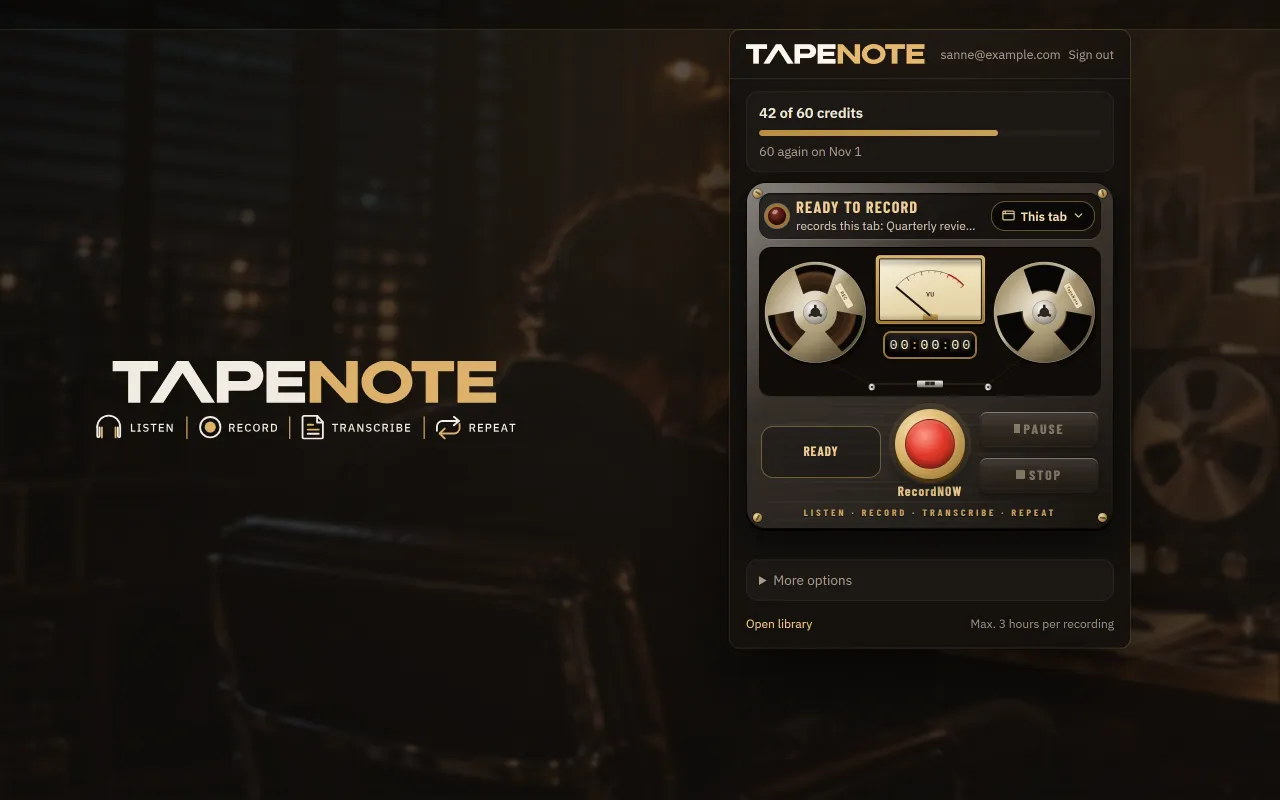
Click TapeNote in the toolbar
Choose tab or all sound, or press RecordNOW.
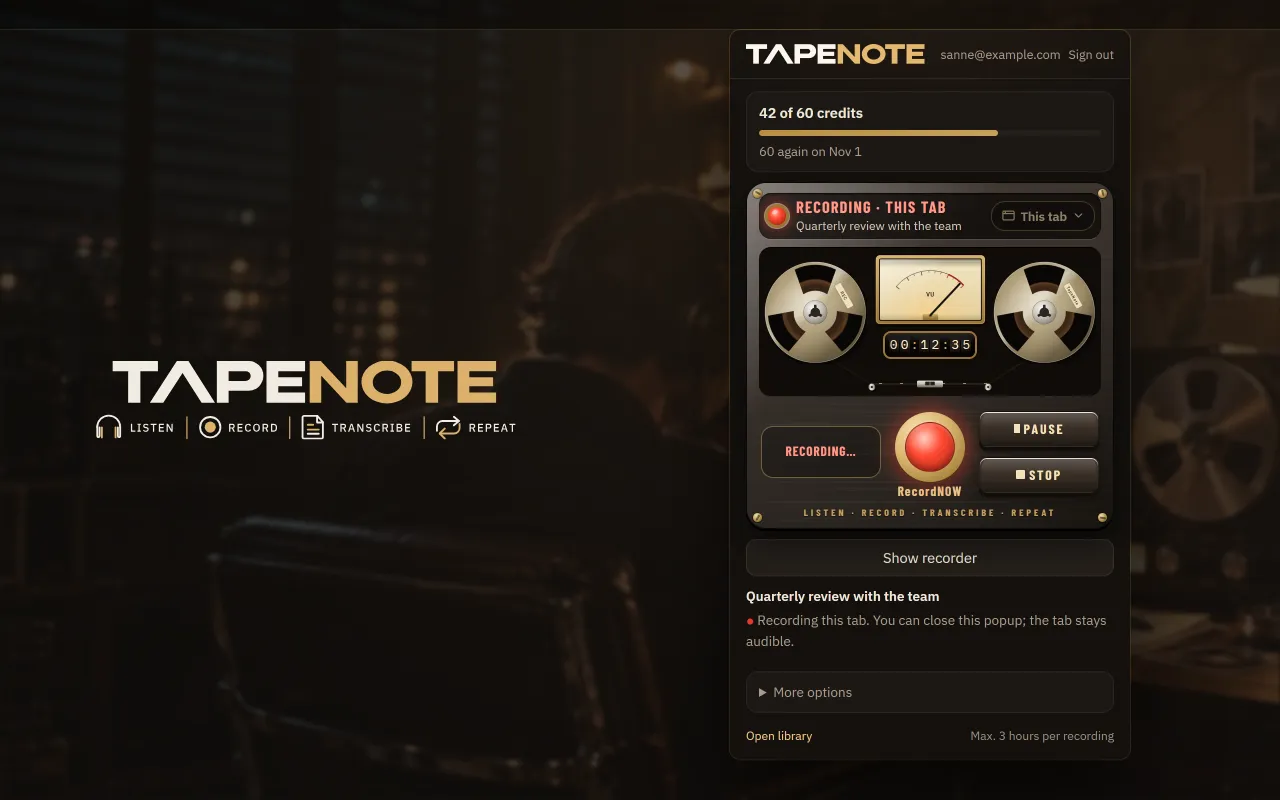
Record
The extension records while you stay in the conversation. You can pause at any time.
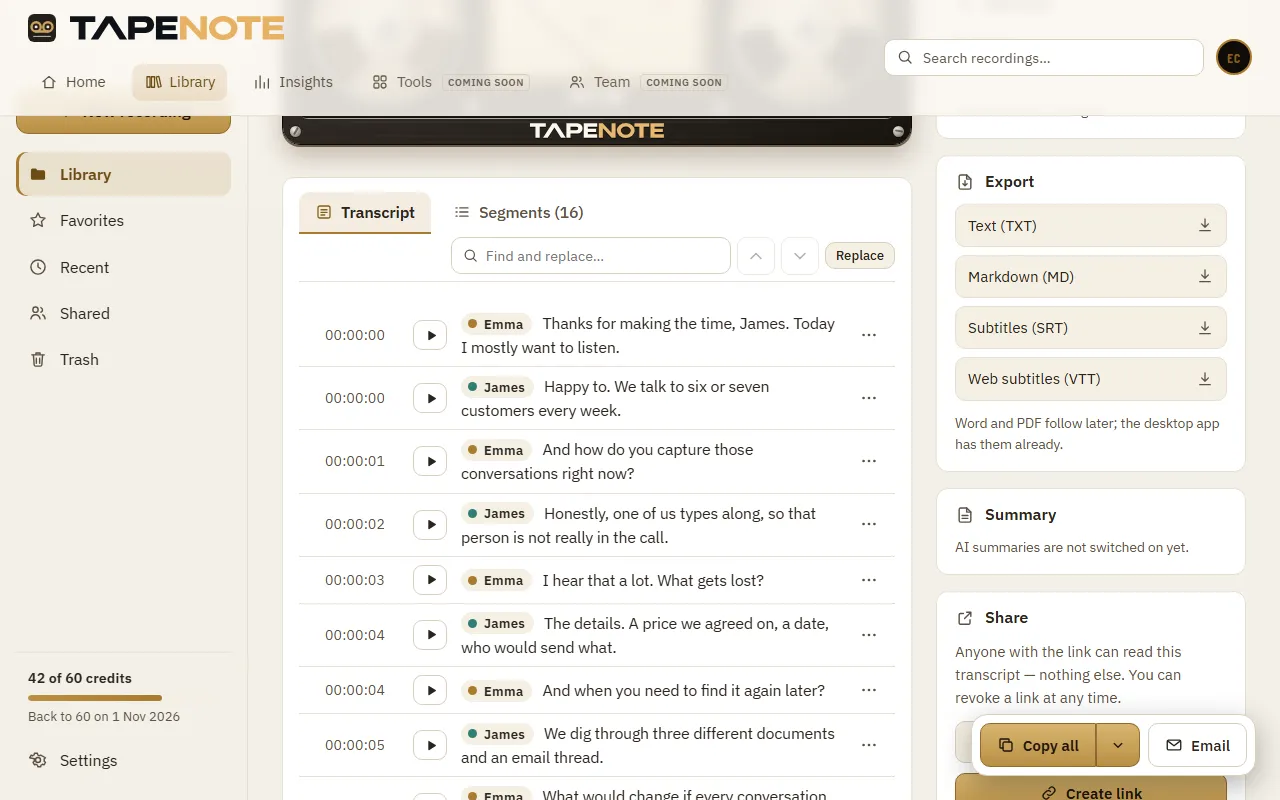
Read the transcript
After you stop it is transcribed in the cloud. The transcript is in your library at app.tapenote.online.


System requirements
- Google Chrome or Microsoft Edge, version 116 or later, on a computer
- A (free) TapeNote account
- An internet connection: transcribing happens in the cloud
Privacy
The extension does not transcribe by itself: your recording goes to TapeNote Cloud and is transcribed in the EU. It only sees the tab you choose, and only when you start a recording. Your privacy mode (in the web app under Account → Privacy) also applies to recordings from the extension.
Read more about privacy and security.
Works together with
Questions about this version
Does the extension work in Edge too?
Yes. Edge can install extensions from the Chrome Web Store. A separate listing in Edge Add-ons follows later.
Is the extension in the Chrome Web Store yet?
It has been submitted and is being reviewed by Google. During the test you get it as a zip file; the web app explains how to install it.
Can I record a Teams or Zoom call in the browser?
Yes, record that tab and add your microphone. Do ask the others for consent.
What does transcribing cost?
Cloud transcription costs credits: you get 60 free every month. With Pro you transcribe without limit.
Record from your browser
Install the extension and start your first recording with one click.