In testing
TapeNote for Windows
Record the sound of your PC, your microphone or both, and transcribe it on your own computer. Also without internet.
Pilot version 0.6.0 · 1.6 GB installer with the speech model included, or the portable version.

What you do with it
Computer sound, microphone or both
Choose with the source button on the tape deck: PC, MIC or PC+MIC. Your meeting app, your own voice, or both in one recording. You can pause at any time.
Transcribe locally
The speech model (Whisper) is in the installer: nothing to download separately. Your recording becomes text on your own PC, with time codes. A graphics card makes it much faster.
Works offline
Recording and transcribing work without internet and without an account. Nothing goes to the cloud.
In four languages
The app comes in Dutch, English, Spanish and German, by default in the language of Windows. TapeNote also recognises the same four languages in your recording.
Mini player, always on top
Press Ctrl+M and TapeNote becomes a small tape deck with REC, PAUSE and STOP that you put anywhere. Always on top is on by default; you can switch it off in Settings.
Edit and search
Correct the text piece by piece, find and replace, and click a time to listen to that moment again.
Export
TXT, Markdown, subtitles (SRT, VTT), Word and PDF. Several recordings at once too.
You choose the folder
Recordings, transcripts and exports are kept together in one folder on your PC. Choose another storage location in Settings.
Not in this version yet
- A signed installer: signing has been applied for. Until then Windows shows a SmartScreen message when you install.
- Privacy modes and deleting your account in the app.
- Syncing with the cloud and share links.
- A version in the Microsoft Store.
How it works
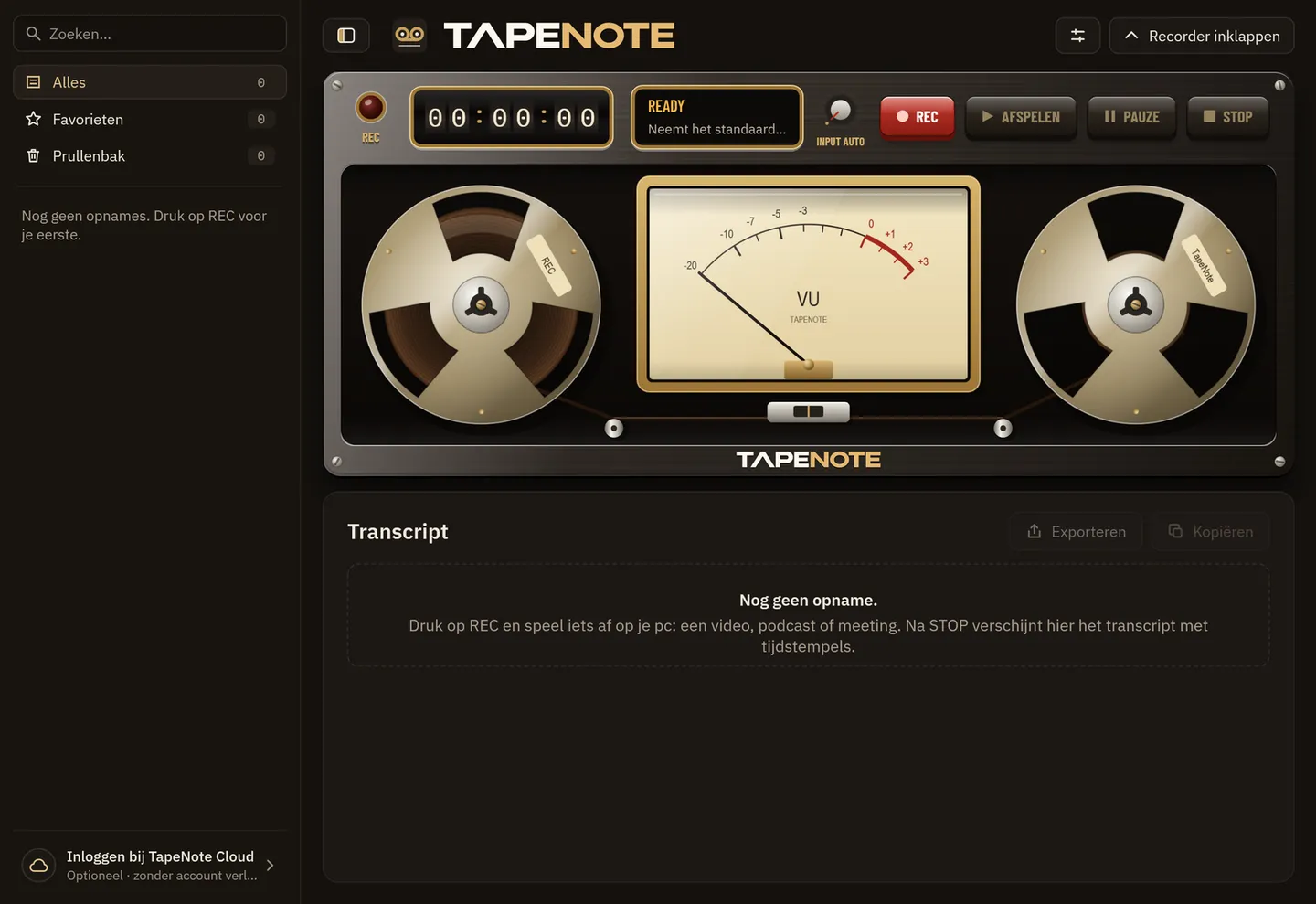
Choose your source
Computer sound, microphone or both. TapeNote remembers your choice.
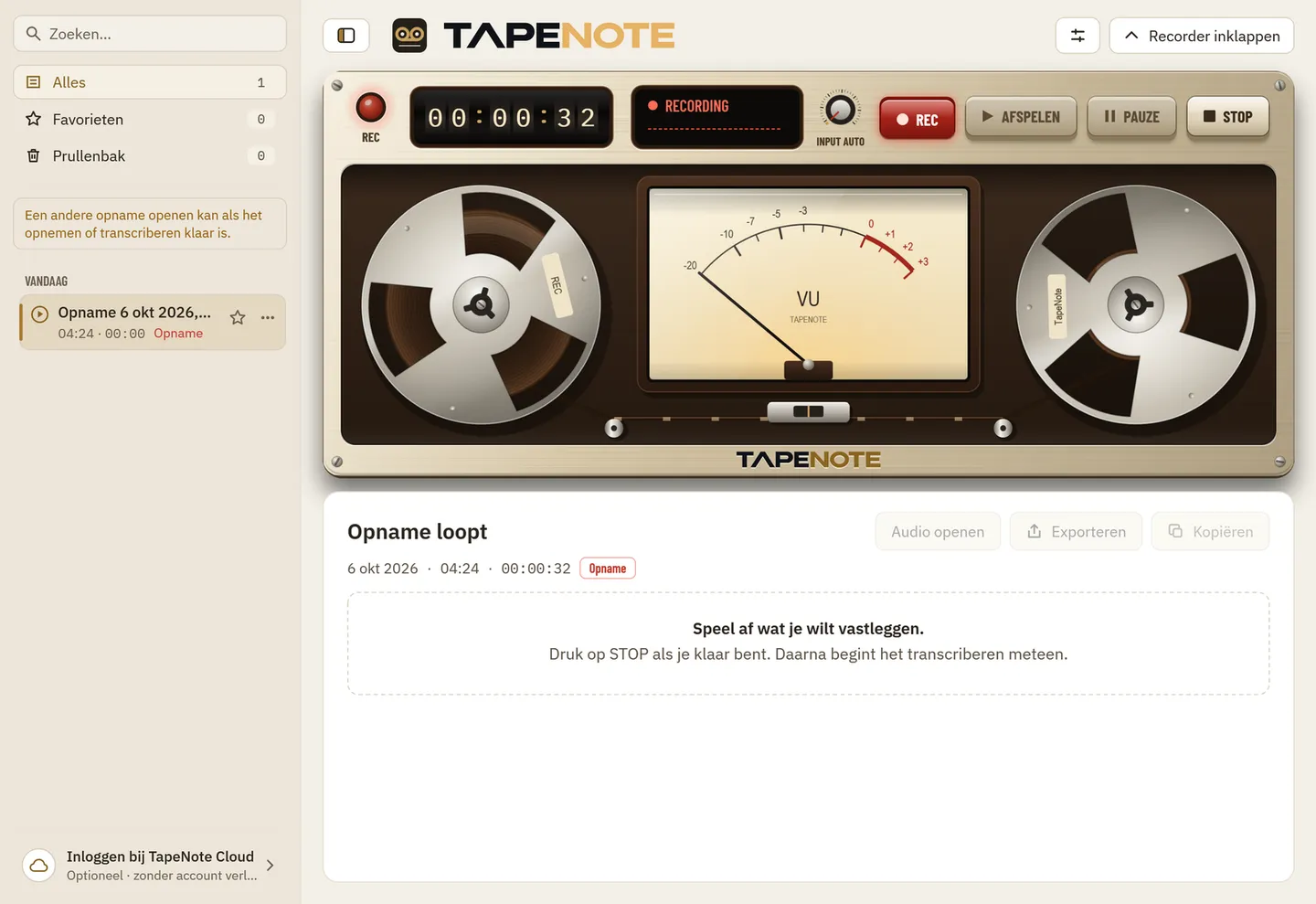
Press REC
The reels turn and the VU meter shows the sound coming in.
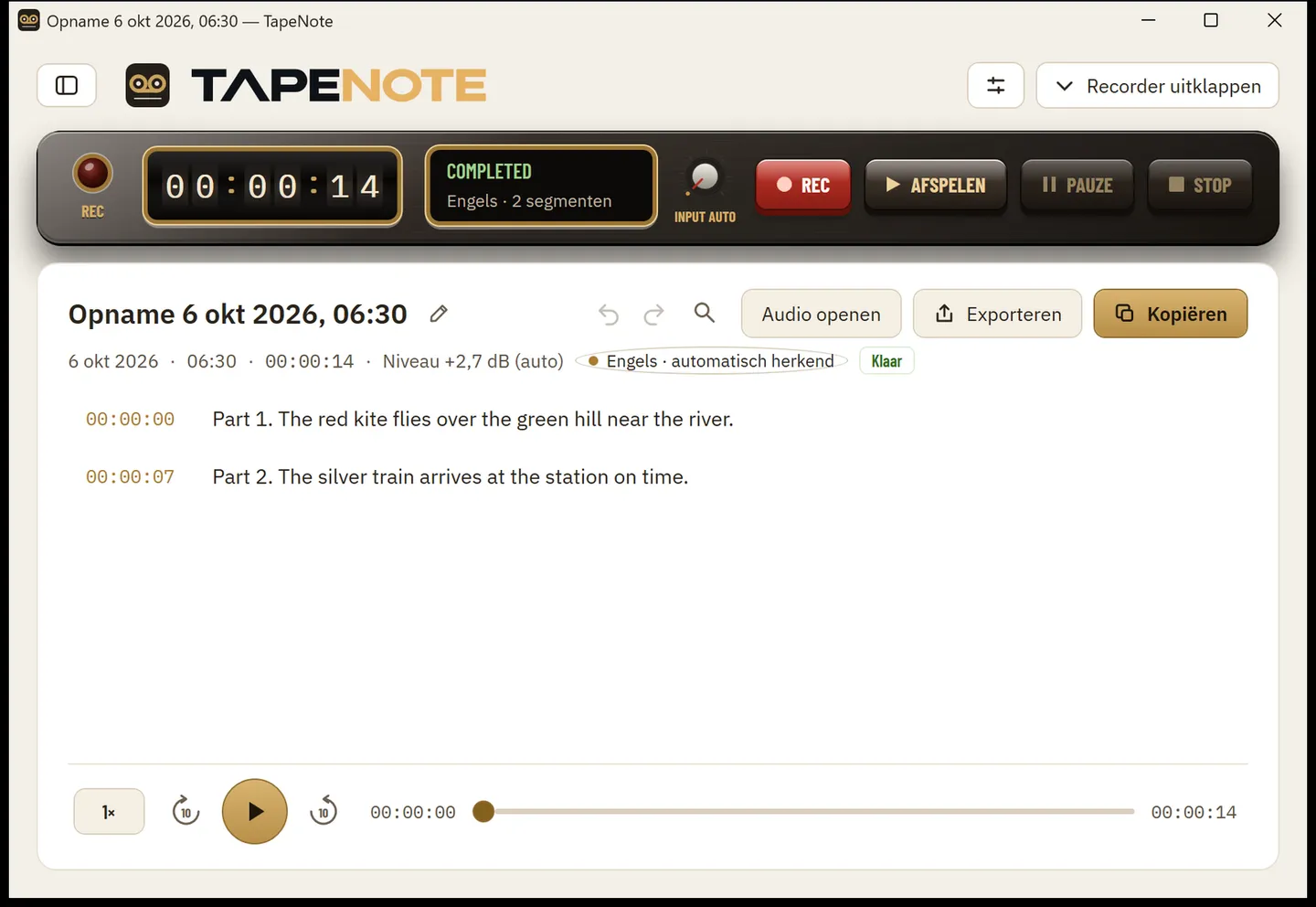
Read your transcript
After the recording it becomes text, on your own PC. Edit, search and export straight away.


The screens of the Windows app are in Dutch; the app follows the language of Windows.
System requirements
- Windows 10 (21H2 or later) or Windows 11, 64-bit
- 8 GB of memory or more
- About 4 GB of free disk space (the app with the speech model)
- A graphics card is optional; with Vulkan transcribing is much faster
Privacy
TapeNote for Windows records and transcribes entirely on your own PC: without an account nothing goes to the internet. Your recordings and transcripts are in a folder you choose.
Read more about privacy and security.
Works together with
Questions about this version
Do I need to download anything else to transcribe?
No. The speech model is in the 1.6 GB installer. After installing you can transcribe straight away, offline too.
Windows says "Windows protected your PC". Now what?
The installer is not digitally signed yet; signing has been applied for. Click More info and then Run anyway. The download page shows the SHA-256, so you can check that the file is right.
Which language is the app in?
In the language of Windows if that is Dutch, English, Spanish or German, and otherwise in English. Choose it yourself in Settings → Language; the new language applies after a restart. The installer speaks the same four languages.
Do I need administrator rights?
No. TapeNote installs for you only, with a shortcut in the Start menu. There is also a portable version you start without installing.
Is there a version in the Microsoft Store?
Not yet. During the pilot you download TapeNote from tapenote.online.
Can I record a Teams or Zoom call?
Yes: choose PC+MIC to record the sound of the meeting and your own voice together. Do ask the others for consent.
Try TapeNote on your PC
Download the pilot version: install, press REC, read the text.