In testing
Read aloud with TapeNote
Paste a text or pick a transcript, and TapeNote reads it aloud. You listen as you would to a radio: with chapters, read-along and your own speed.
In the web app and in the mobile apps, which are now in testing. You need a TapeNote account.

What you can do with it
Paste, or from your library
Paste a text, or pick a recording with a transcript from your library. Headings in your text become chapters.
A radio with chapters
The chapters sit on the tuning scale like station marks. Jump to the next chapter with one click.
Read along
The sentence you hear is highlighted. Click a sentence to listen from there.
Your own speed
Listen at 0.8× to 2×, and go back or forward 15 seconds.
A choice of voices
Voices for Dutch, English, German and Spanish. An English sentence in a Dutch text sounds English.
Recently listened
Preset keys 1 to 5 keep what you listened to last. Every item is in your library as well.
How it works
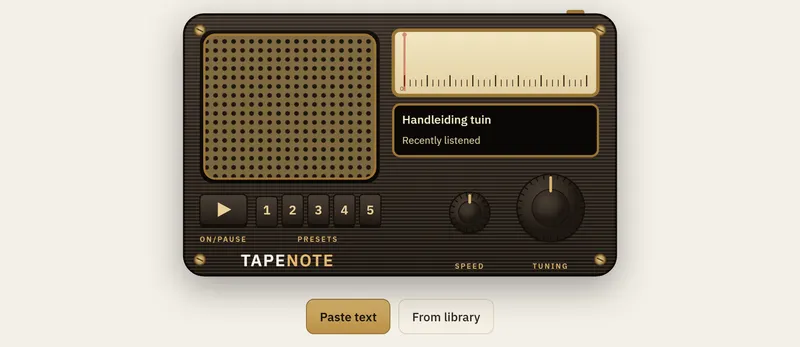
Paste your text
Open Listen, paste a text or pick a transcript, and choose a voice.
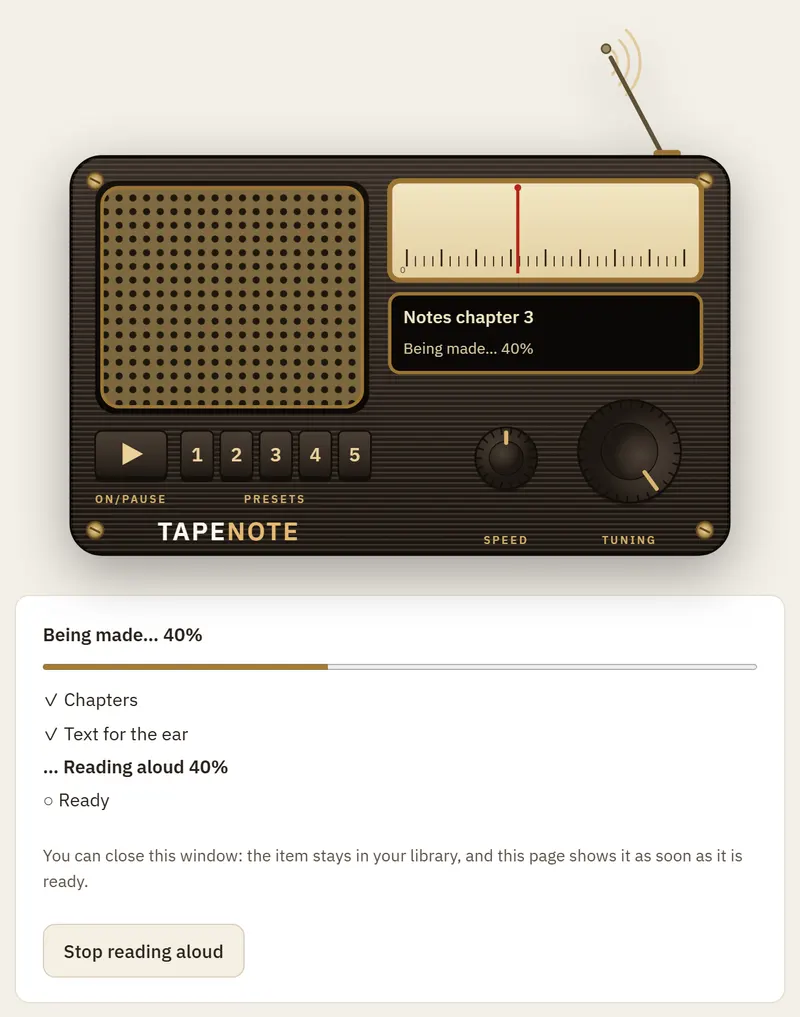
TapeNote makes the audio
While the radio is busy, its antenna is out. You see the steps, and you can close the window.
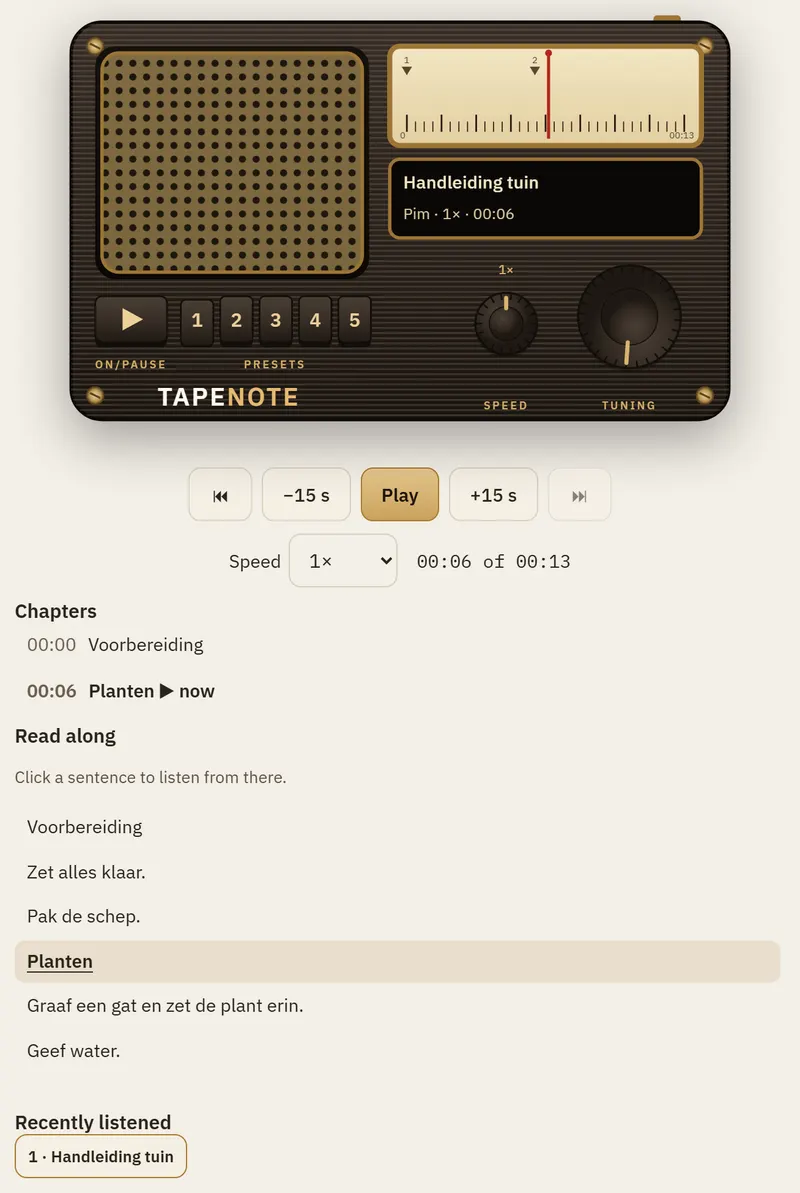
Listen and read along
Play, pick a chapter, change the speed and read along with the sentence you hear.


The screens are from the web app; the example text is Dutch.
Where it works
Web app
Listen in the menu of the web app.
iPhone and Android
The Listen tab in the mobile app, which is now in testing.
Windows and the browser extension
That is where you record. What you record, you can have read aloud in the web app.
Privacy
- Reading aloud happens on our own servers in the EU: the database in Frankfurt and GPU servers in EU data centres. The voices run there themselves; no text goes to other AI services.
- Your text and the audio are an item in your library, until you delete it.
- In the privacy mode "Privacy mode: everything local" no text goes to the cloud, so TapeNote does not read it aloud there.
More in privacy and security.
The other side: recording
The same TapeNote is a tape recorder too. Record a conversation and read it back as text.
Questions about reading aloud
Which texts can I have read aloud?
A text you paste, or the transcript of a recording from your library. Headings in your text become chapters.
Can I read along while I listen?
Yes. Below the radio is the whole text. The sentence you hear is highlighted; click a sentence to jump there.
Does the app have to stay open?
No. The audio is made on the server. The item is in your library; open it when it is ready.
Is my text used to train AI?
No. We do not use your texts and audio to train models, and we do not share them with others.
Try reading aloud
Paste a text in Listen and switch the radio on.